All video tutorials
Tutorial 19
App Lock, Face ID and the clipboard timer
The MI8OS settings that protect the app itself: App Lock, Face ID, the clipboard timer and the screen protection.
Written guide
In this guide
The MI8OS settings that protect the app itself: App Lock, Face ID, the clipboard timer and the screen protection.
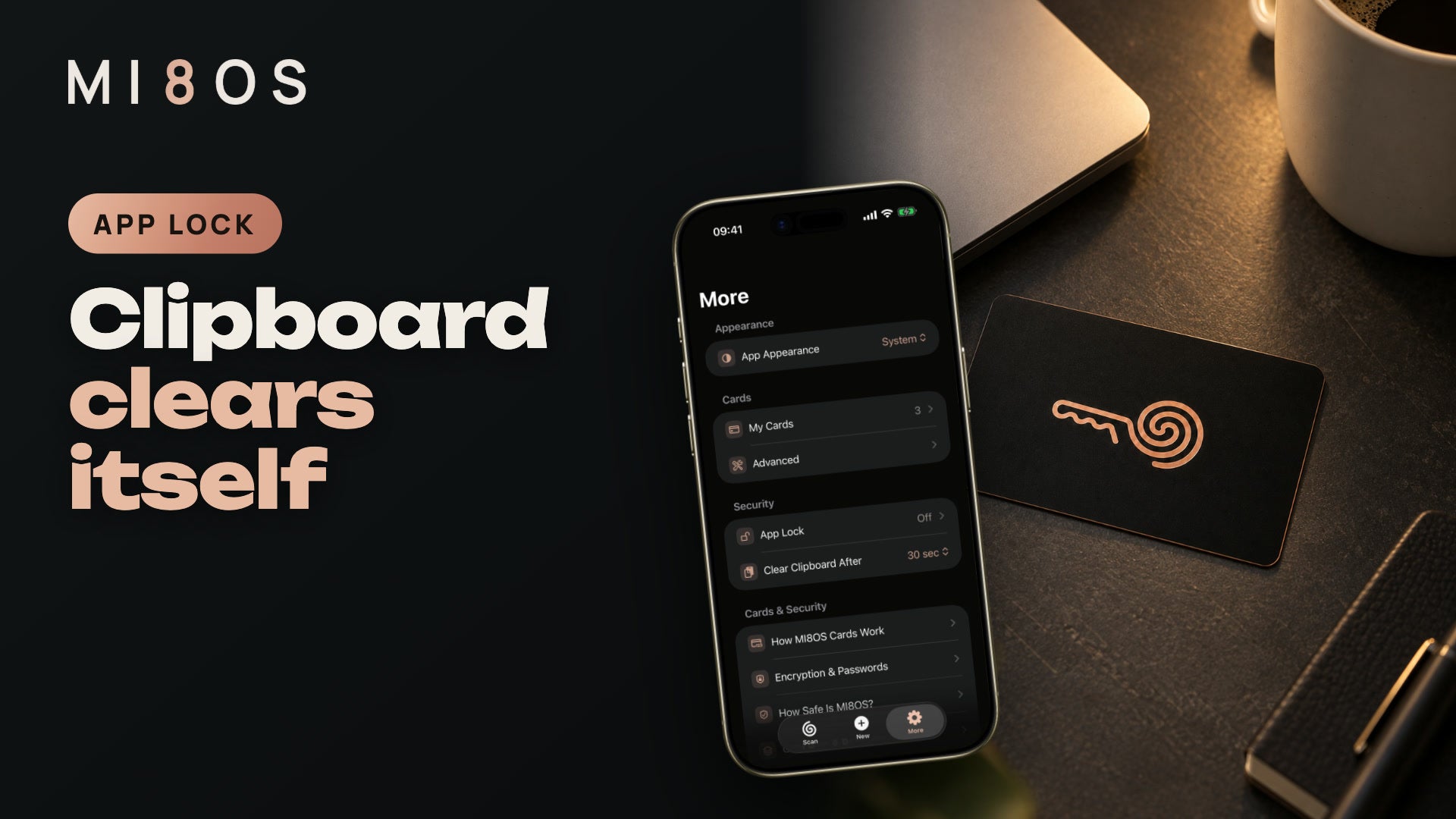
- More → App Lock: choose a six-digit PIN and, if you like, Face ID or Touch ID. The PIN only opens the app on this phone; it can't decrypt a card and doesn't replace a Vault Password.
- Lock when I leave: immediately, after 1 minute or after 10 minutes. Leaving the app for longer closes any open vault, too.
- Clear Clipboard After: 15 sec, 30 sec (default) or 1 min after you copy a secret. The timer keeps running even if you close the vault.
- Always on: MI8OS covers its screen in the app switcher, and covers the screen and closes the vault while the screen is recorded or mirrored.
- App Appearance: System, Light or Dark.