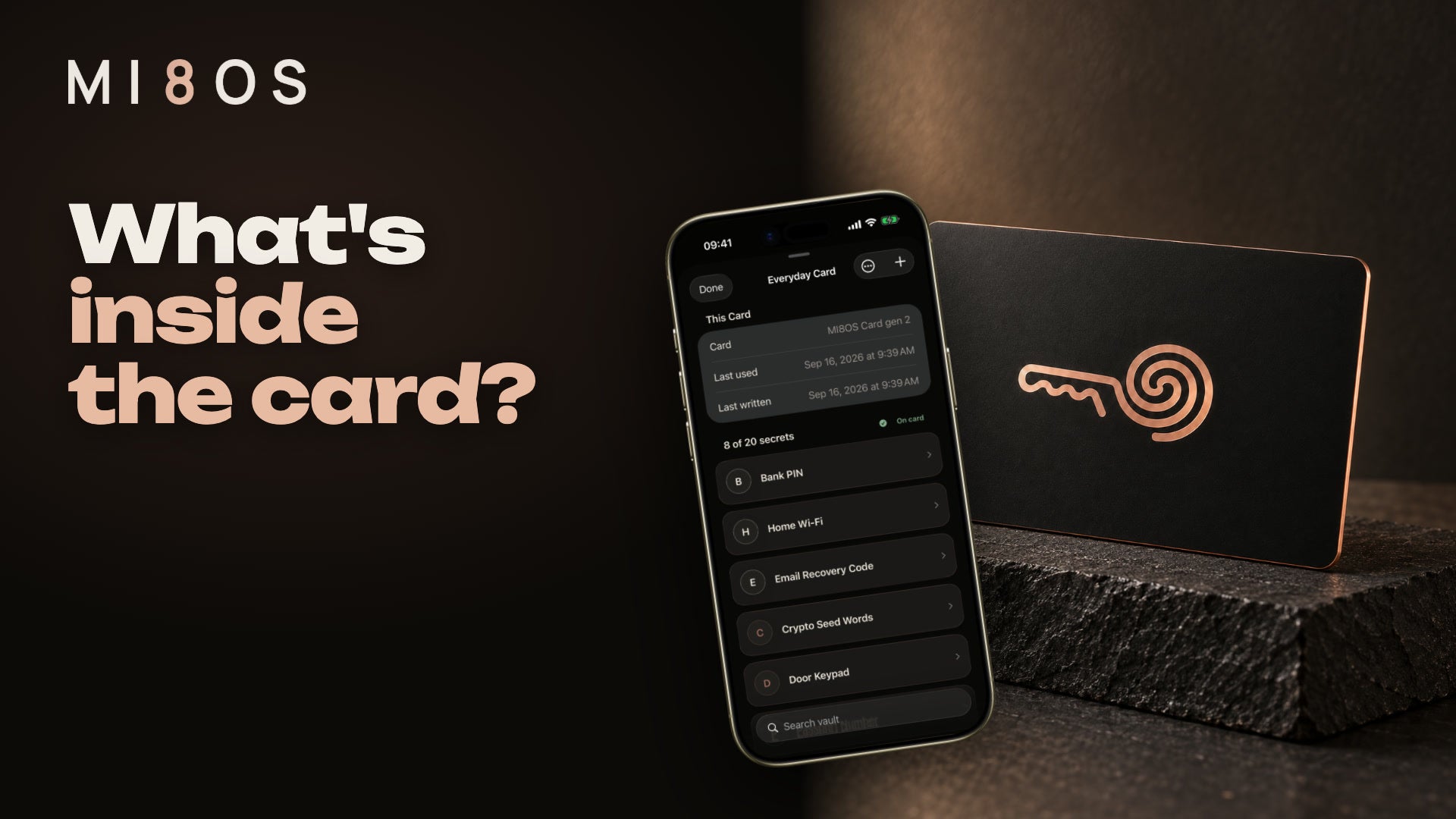
 Tutorial 01
Video tutorials
Watch a short video or follow the written guide. Learn how to set up your cards, protect your vault, and find your secrets when you need them.
Tutorial 01
 Tutorial 02
How to save your passwords to MI8OS (step by step)
How to save your passwords, 2FA keys and recovery codes to a MI8OS Card, from the first secret to your backup cards. It takes... Tutorial 03
How to read your passwords from MI8OS (step by step)
How to open your MI8OS Card and read a password, 2FA key or recovery code: scan the card, enter its Vault Password, reveal or... Tutorial 04
How to write your MI8OS backup cards (one vault, three cards)
Why MI8OS comes with three cards, and how to put the same vault on all of them: right after saving, with the same Vault... Tutorial 05
Master Password: how and why to lock a MI8OS Card
An unlocked card can be reset by anyone who holds it. They can't read anything, but they could erase it. A Master Password stops... Tutorial 06
Vault Password, Master Password, App Lock PIN: what each one does
MI8OS has three passwords. They sound alike, but each one protects something different.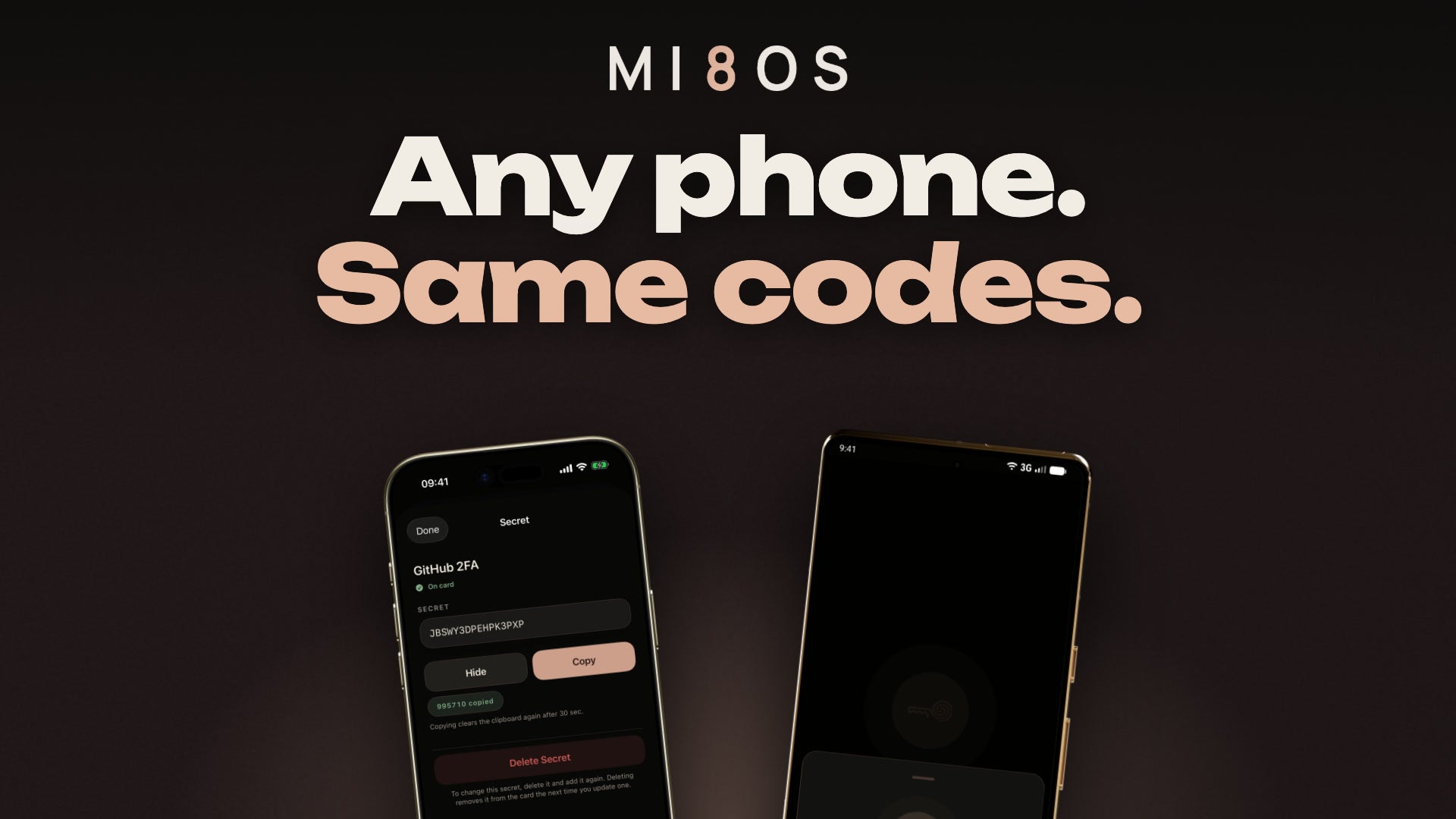 Tutorial 07
Save your 2FA codes on MI8OS (and get them on any phone)
If your authenticator codes live only on the phone you lose, they're gone with it. Keep the setup keys on your MI8OS Cards instead. Tutorial 08
MI8OS vs. a sticky note: a fair comparison
Many people keep their most important passwords on a sticky note or in a notebook. A fair comparison with a MI8OS Card. Tutorial 09
MI8OS and your password manager: what goes where
MI8OS isn't meant to replace your password manager. It's the offline place for the handful of things you'd need if everything else failed. Tutorial 10
Lost your phone? Open your MI8OS vault on a new one
MI8OS never stores your secrets on the phone. They live encrypted on your cards, so a lost phone doesn't take your vault with it. Tutorial 11
Add or delete a secret, then Update Card
Add a secret, delete one, and write the change to your MI8OS Card. Until you tap Update Card, changes live only in the app's...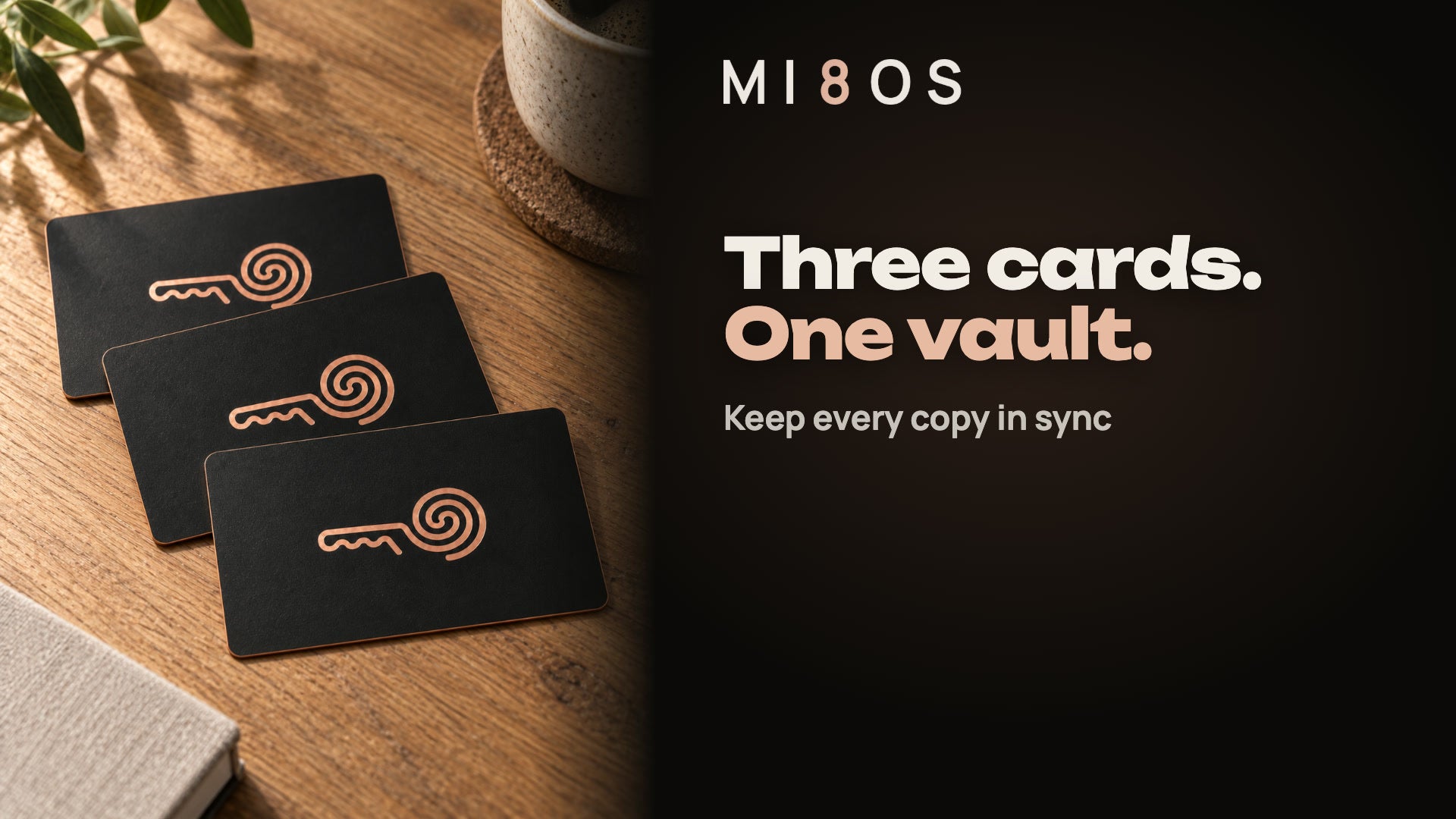 Tutorial 12
Keep all three MI8OS Cards in sync
Update Card writes to the card you opened, and only to that one. Here is how you keep all three cards the same. Tutorial 13
How to choose a strong Vault Password
There is no back door and no skeleton key. The only way into a MI8OS Card is to guess its Vault Password, so this...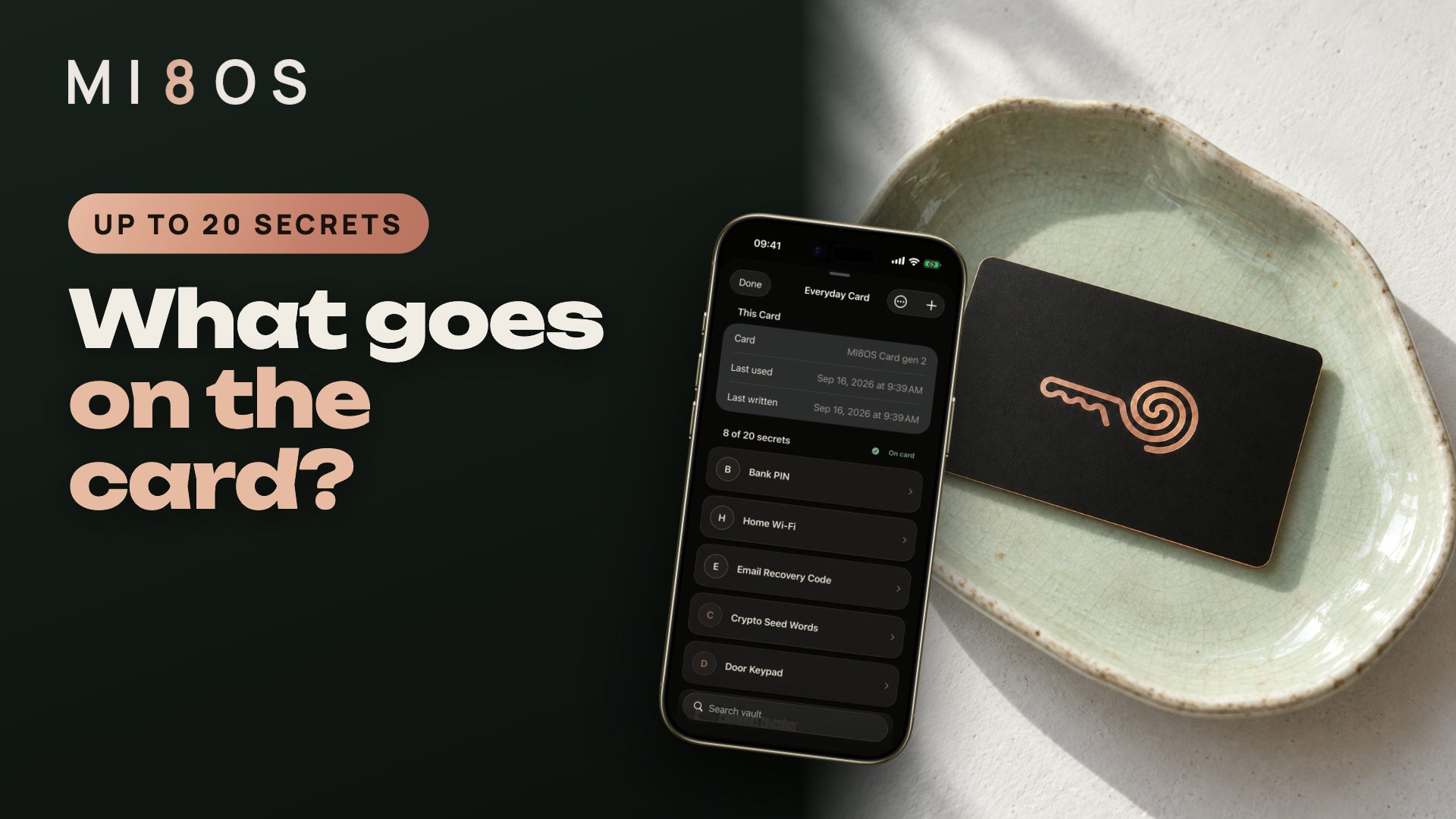 Tutorial 14
What to put on a MI8OS Card (and how much fits)
MI8OS isn't meant to replace your password manager. It's the offline place for the handful of things you'd need if everything else failed.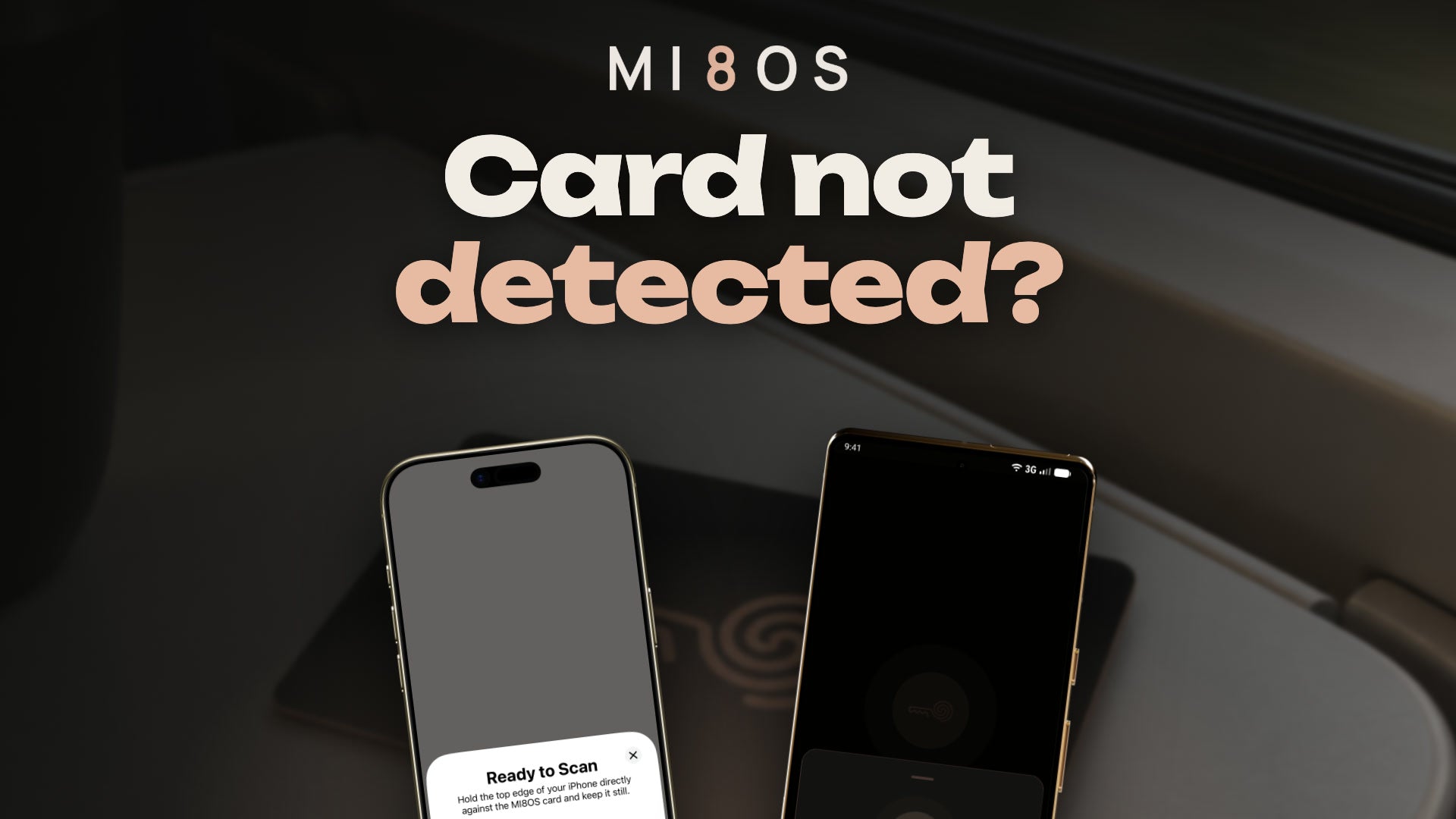 Tutorial 15
Holding the card right: NFC tips for iPhone and Android
Where to hold a MI8OS Card on iPhone and Android, and what to do if nothing happens. Tutorial 16
What happens if someone steals your MI8OS Card?
Someone who steals a MI8OS Card has a card, not your secrets. Here is why, and what to do. Tutorial 17
How MI8OS encrypts "12345678", byte by byte
One real example from the guide "Inside MI8OS", byte by byte: the PIN 12345678, from your password to the 192 bytes on the card....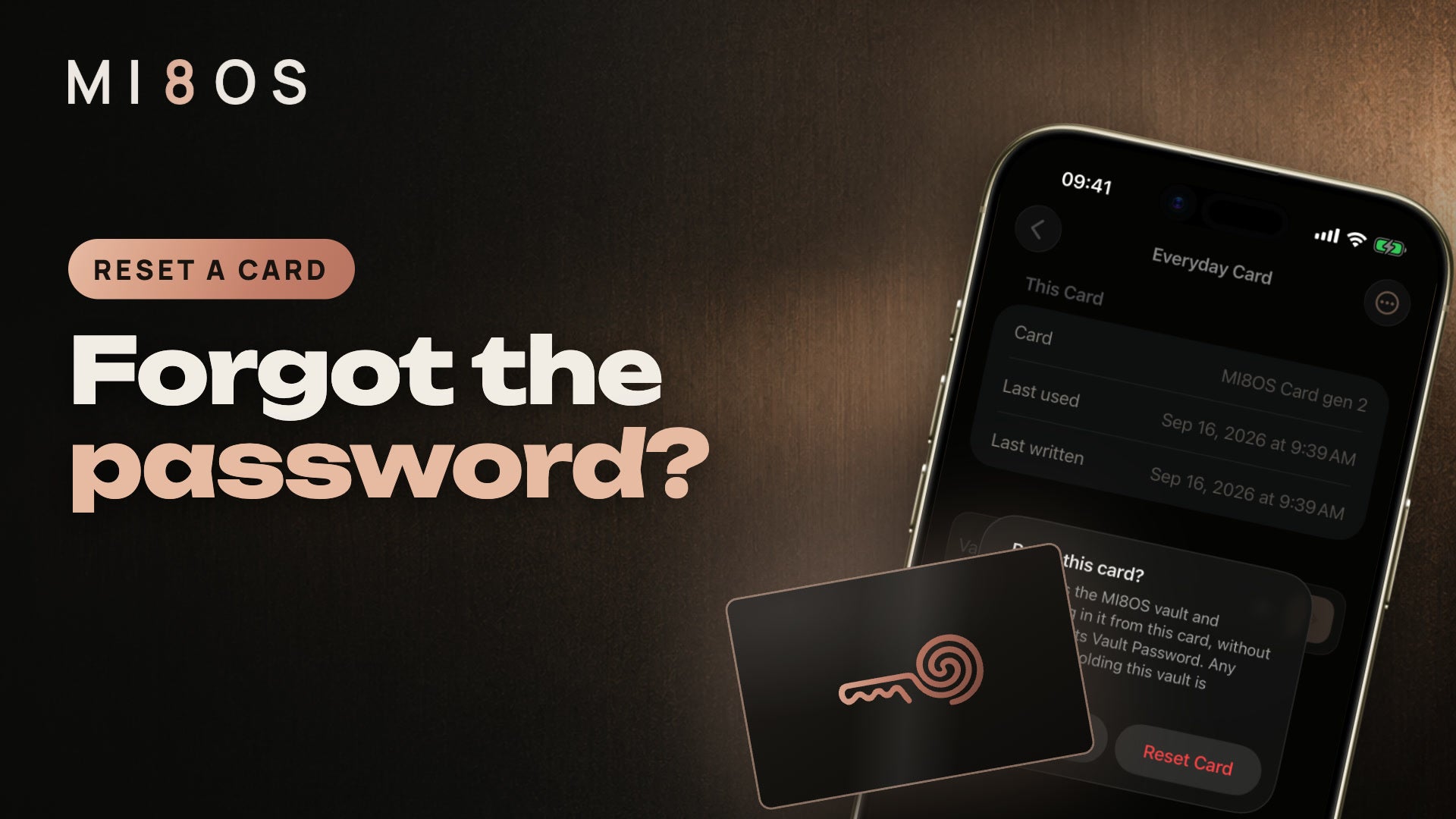 Tutorial 18
Forgot your Vault Password? Reset a card and start over
Nobody can recover a forgotten Vault Password, not even MI8OS. Here is what still works, and how you start over.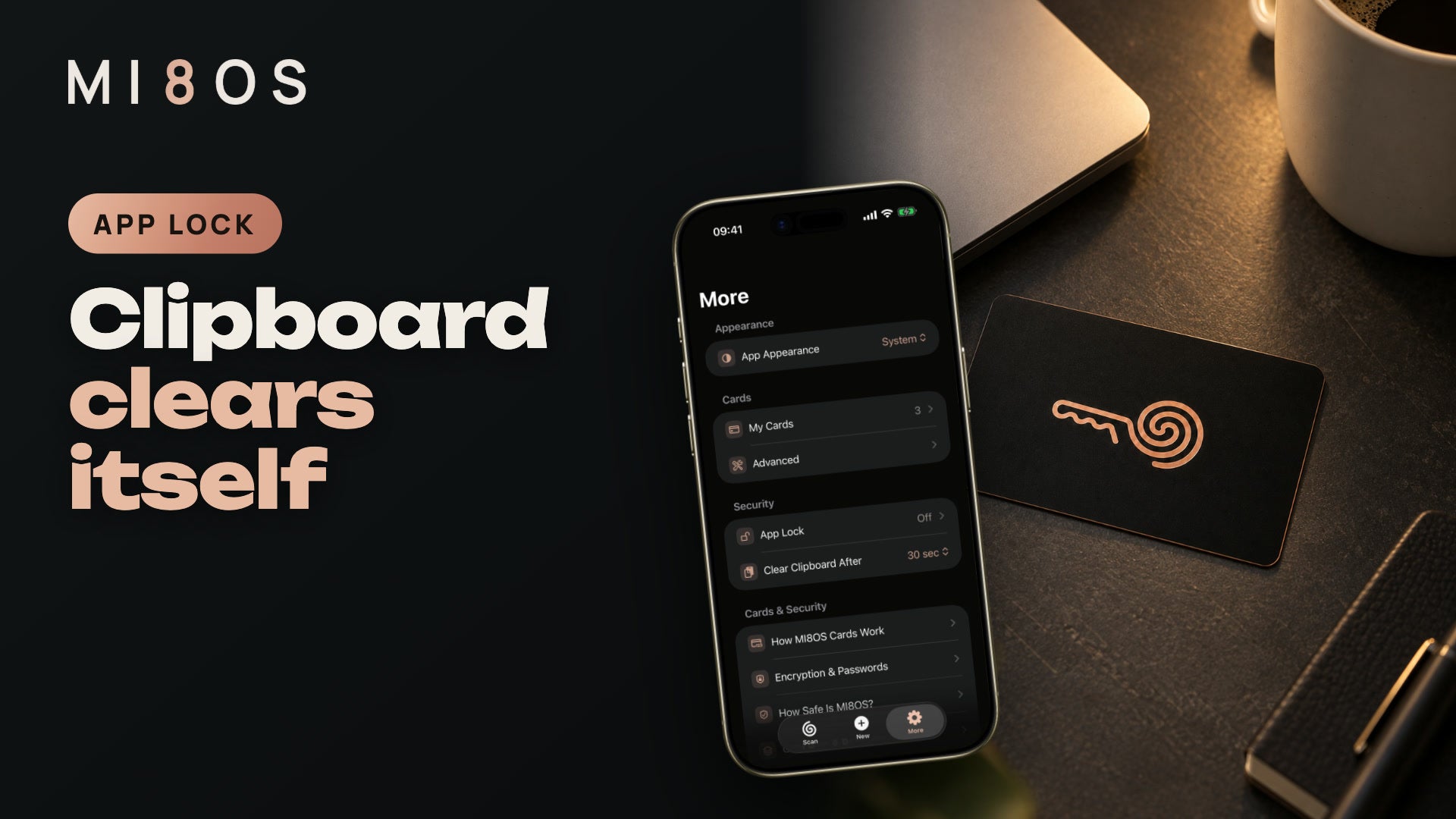 Tutorial 19
App Lock, Face ID and the clipboard timer
The MI8OS settings that protect the app itself: App Lock, Face ID, the clipboard timer and the screen protection. Tutorial 20