All video tutorials
Tutorial 12
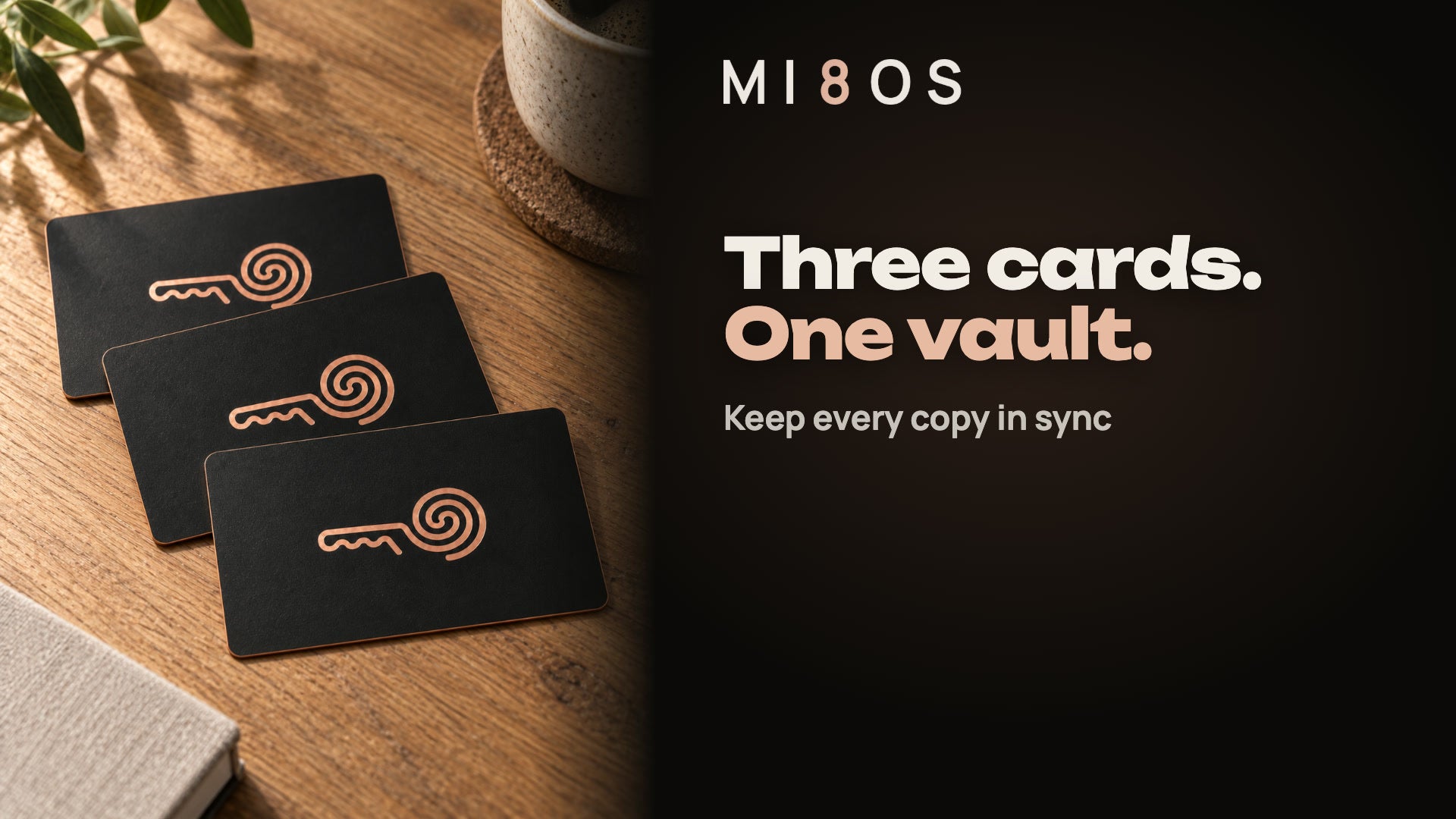
Keep all three MI8OS Cards in sync
Update Card writes to the card you opened, and only to that one. Here is how you keep all three cards the same.
Written guide
In this guide
Update Card writes to the card you opened, and only to that one. Here is how you keep all three cards the same.
- Open your Carry card, add or delete, tap Update Card.
- Open your Home and Elsewhere cards and make the same change on each.
- Shortcut for new secrets: create a new vault with just the new secrets and save it to a card that already has your vault. The app says "This card already has a vault": choose Add Secrets (same Vault Password as that card) and hold the card once more. Cancel leaves the card unchanged.
- Deleting has no shortcut: open each card and delete the secret there.
- Once a year, open each card and check that all three show the same number of secrets.